Login/Sign Up Sign Out
{{ messageCategory.totalUnreadNum }}
APSGO LOGO
{{ item.sku_info.spec_desc }}
{{ item.count }}x
Combination {{ combo.product.name }}
{{ combo.sku_info.spec_desc }}
x1
Total Price:
View Cart
No APPS available
{{ carts.count }}件
Cart
Home Overview Icecream Video Editor is an all-in-one video editing tool software
Icecream Video Editor is an all-in-one video editing tool software
-23% OFF!
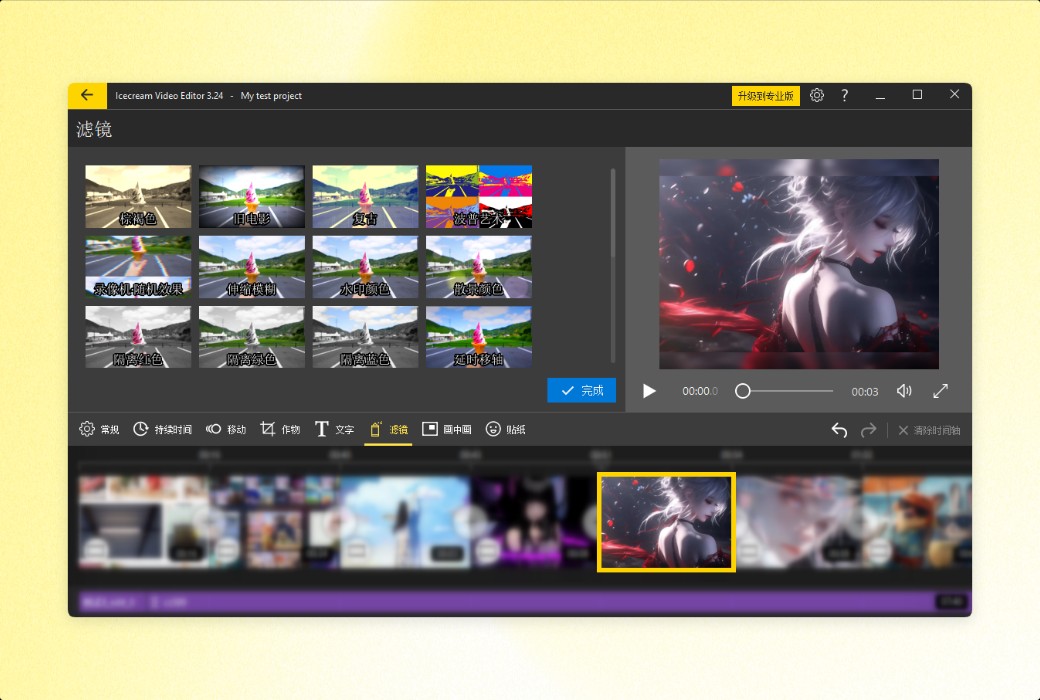
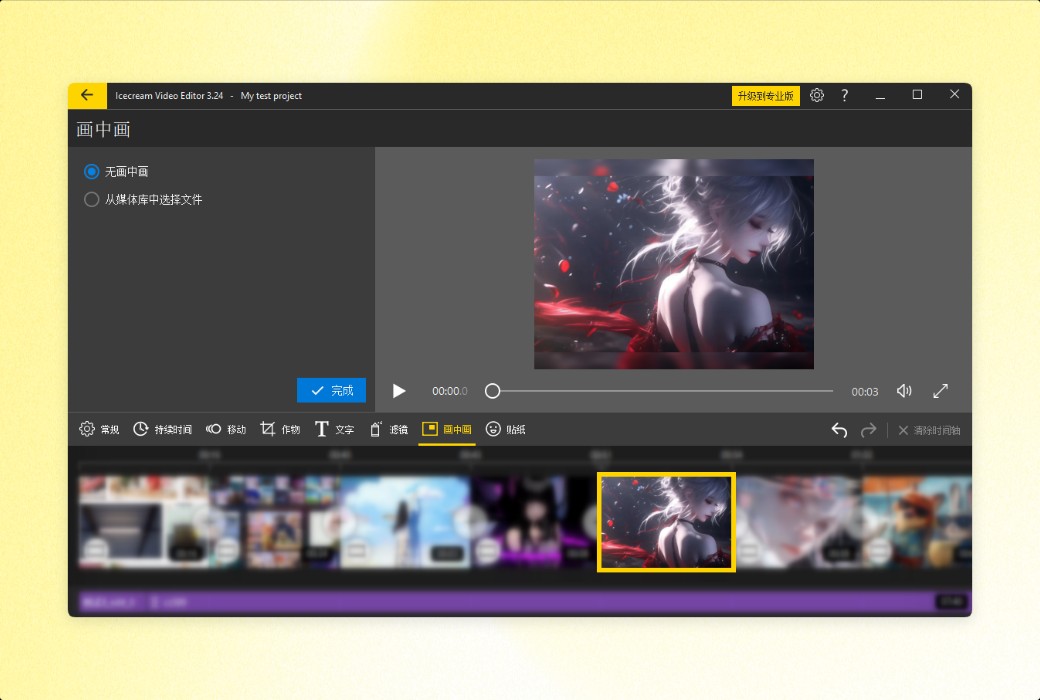
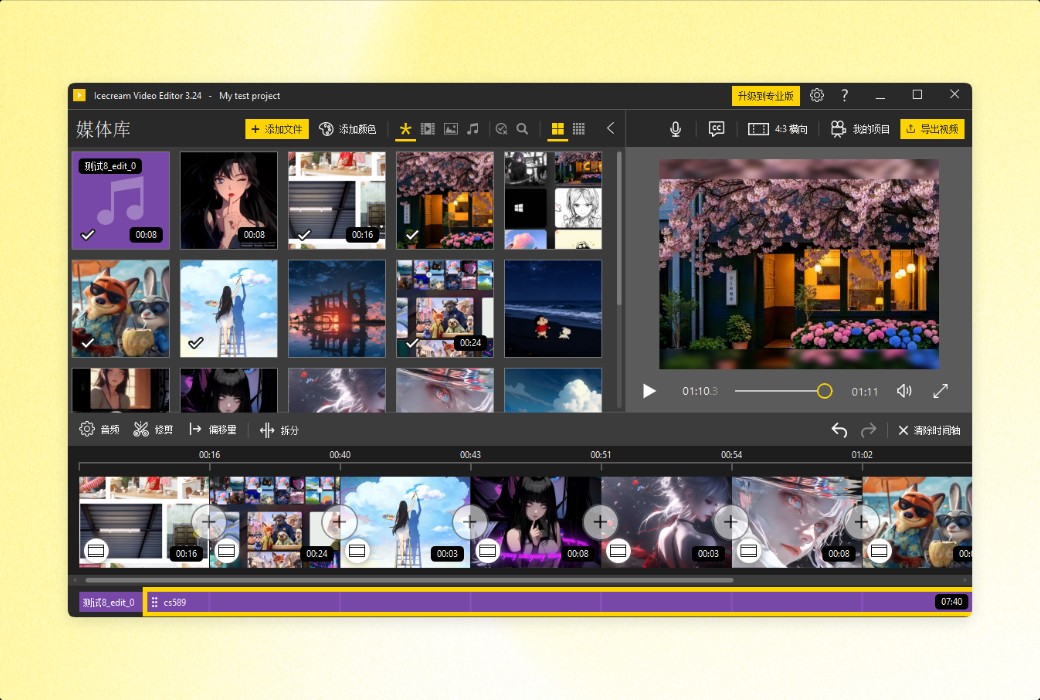
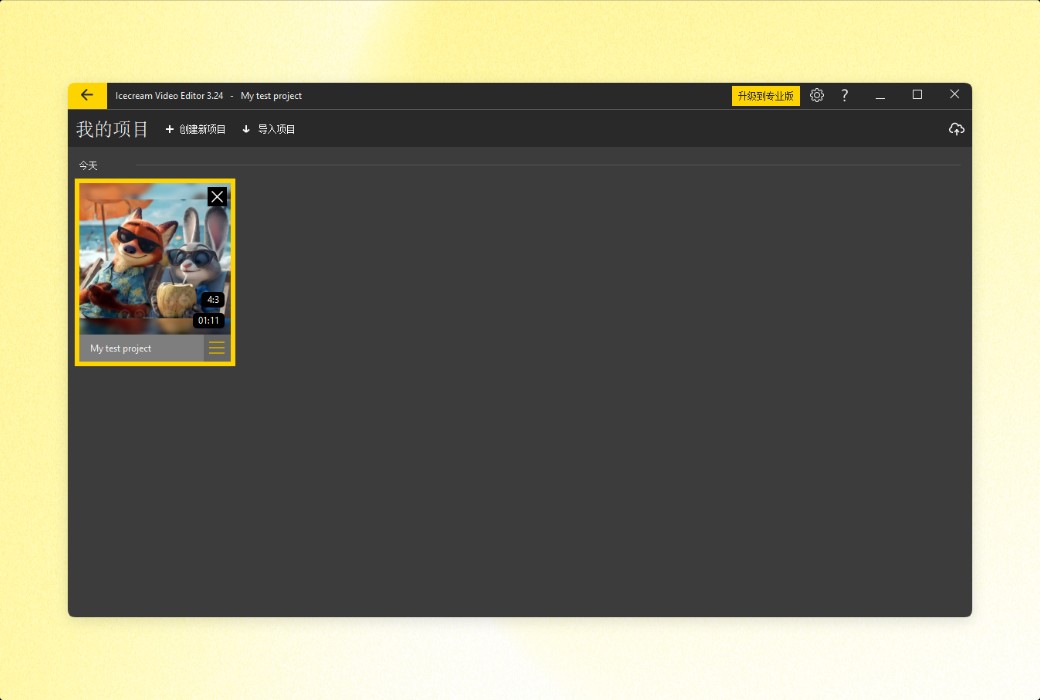
Icecream Video Editor is an all-in-one video editing tool software截图 Icecream Video Editor is an all-in-one video editing tool software截图 Icecream Video Editor is an all-in-one video editing tool software截图 Icecream Video Editor is an all-in-one video editing tool software截图 Icecream Video Editor is an all-in-one video editing tool software截图 Icecream Video Editor is an all-in-one video editing tool software截图 Icecream Video Editor is an all-in-one video editing tool software截图 Icecream Video Editor is an all-in-one video editing tool software截图 Icecream Video Editor is an all-in-one video editing tool software截图 Icecream Video Editor is an all-in-one video editing tool software截图 Icecream Video Editor is an all-in-one video editing tool software截图 Icecream Video Editor is an all-in-one video editing tool software截图 Icecream Video Editor is an all-in-one video editing tool software截图 Icecream Video Editor is an all-in-one video editing tool software截图 Icecream Video Editor is an all-in-one video editing tool software截图 Icecream Video Editor is an all-in-one video editing tool software截图 Icecream Video Editor is an all-in-one video editing tool software截图 Icecream Video Editor is an all-in-one video editing tool software截图 Icecream Video Editor is an all-in-one video editing tool software截图
Download
Icecream Video Editor is an all-in-one video editing tool software Cyprus
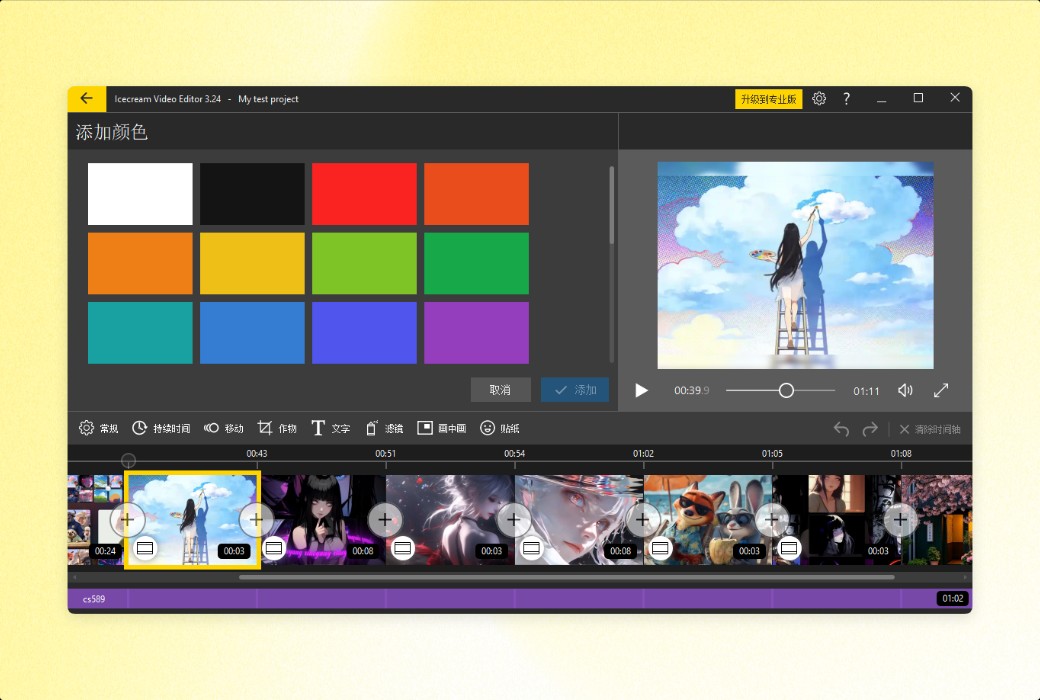
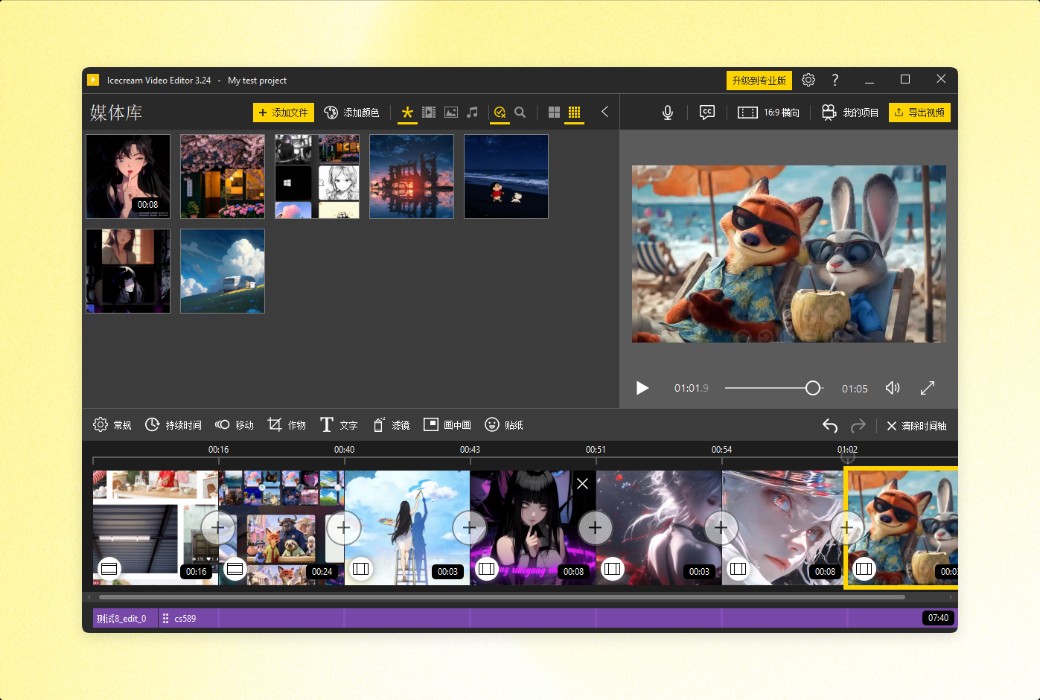
Icecream Video Editor is a feature rich and easy-to-use video editing software suitable for users of all levels. It provides comprehensive functionality from basic editing to advanced effects addition, while maintaining ease of operation. Both professional content creators and beginners can easily fulfill their video editing needs through this software.
Expire:
Lifetime
* Purchase this specification to receive the following gifts : ( Buy 1 or more items and the offer is valid until stock lasts )
x {{ item.count }}
{{ info.promotion.title }}
Note: In seckill, once sold out, the original price will be restored!
Hurry! Limited-time offer ends soon!
Currently available last {{ sku.promotion_count }} items
{{ info.advancePromotion.title }}
Preview of seckill, event price: {{ info.advancePromotion.skus_infos[sku.sku].promotion_price }} CNY
The inventory available for seckill is {{ info.advancePromotion.skus_infos[sku.sku].promotion_count }} items
Retail Price
Specifications
Not Selected
Group Buying
There is currently no Group Buying available, please open a group
{{ item.spec_desc }}
{{ item.user.nickname }} In {{ item.created_at }} Start Still need {{ item.left_count }}x Pending Group Buying, some users have not paid
Join

Activity Rules

1、Activity time:{{ info.groupon.start_at }} ~ {{ info.groupon.end_at }}。

1、Activity time:cease when sold out。

2、Validity period of the Group Buying:{{ info.groupon.expire_days * 24 }} hours。

3、Number of Group Buying:{{ info.groupon.need_count }}x。

Please Pay Attention

1、Teamwork process: Join/initiate a Group Buying and make a successful payment - Within the validity period, the number of team members meets the activity requirements - Group Buying succeeded!

2、If the number of participants cannot be met within the valid period, the group will fail, and the paid amount will be refunded in the original way.

3、The number of people required and the time of the event may vary among different products. Please pay attention to the rules of the event.

{{ item }} ({{ app.qa.questionsData.total }})

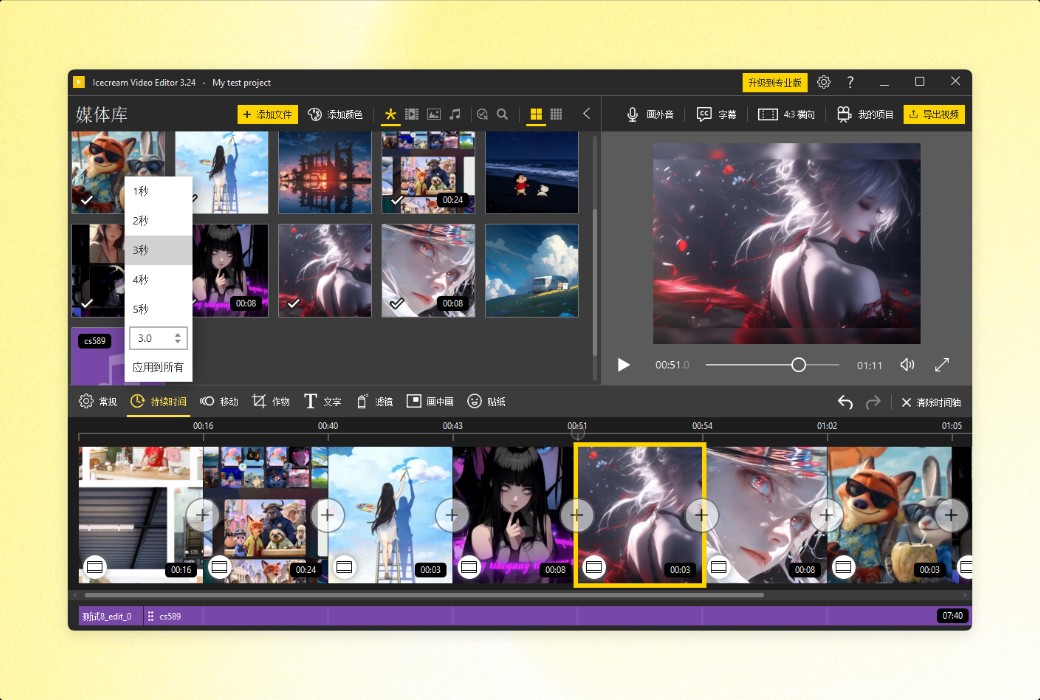
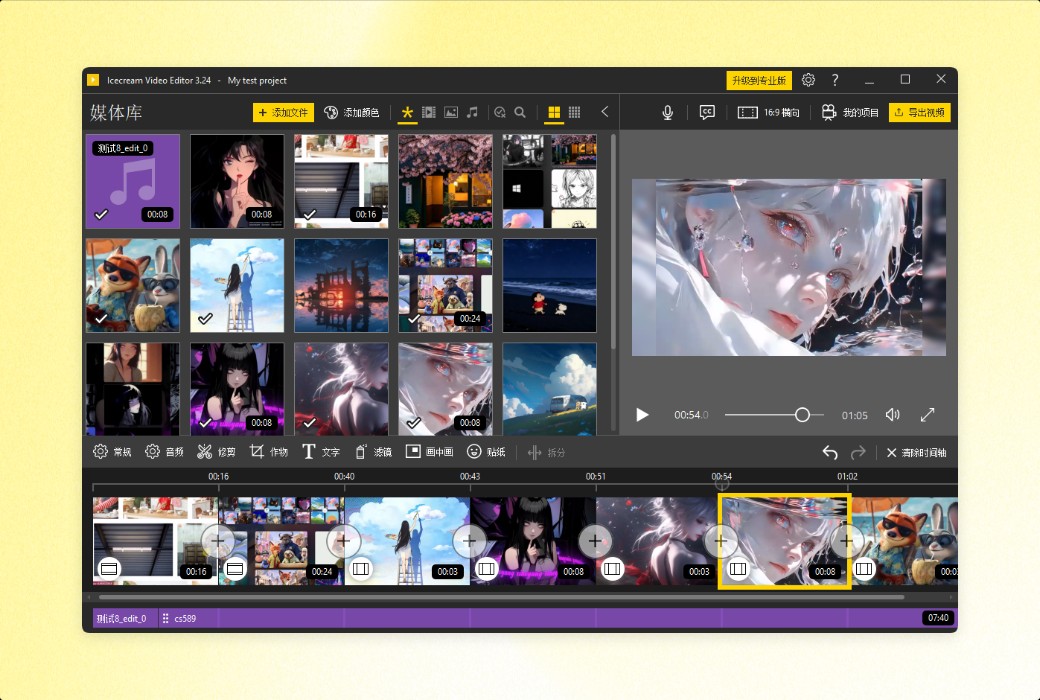
Icecream Video Editor is a user-friendly and comprehensive video editing software that is suitable for both professional content creators and beginners. You can trim, cut, and merge video clips, add transitions, special effects, subtitles, audio, and more.


Main functions


Explore the features of this easy-to-use video editing software to better understand what it can do.


  1. usability

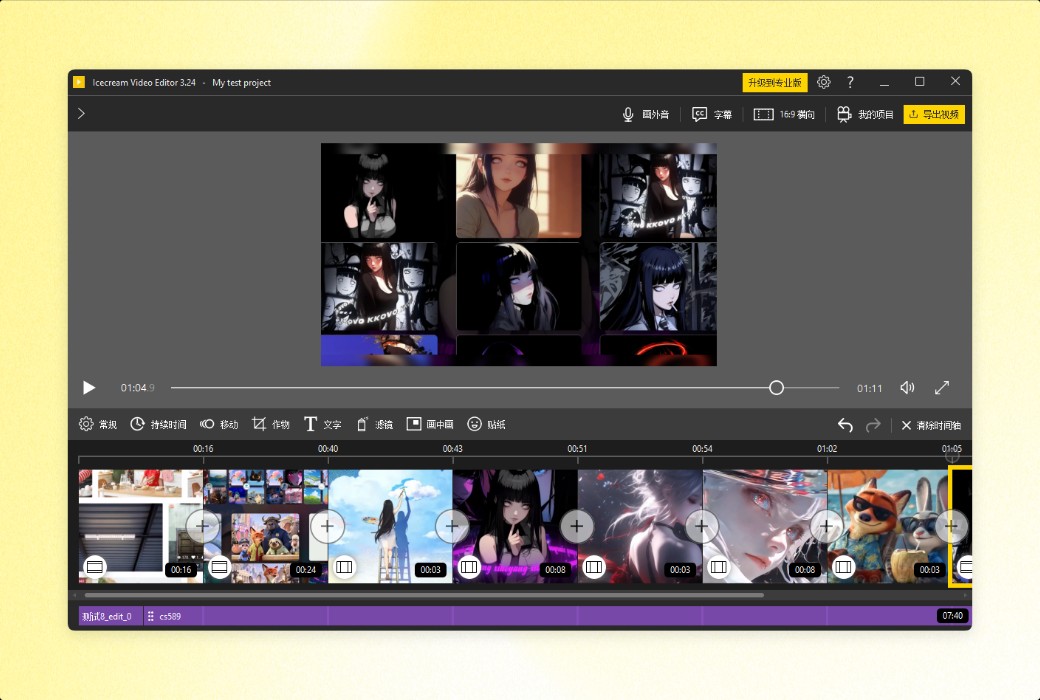
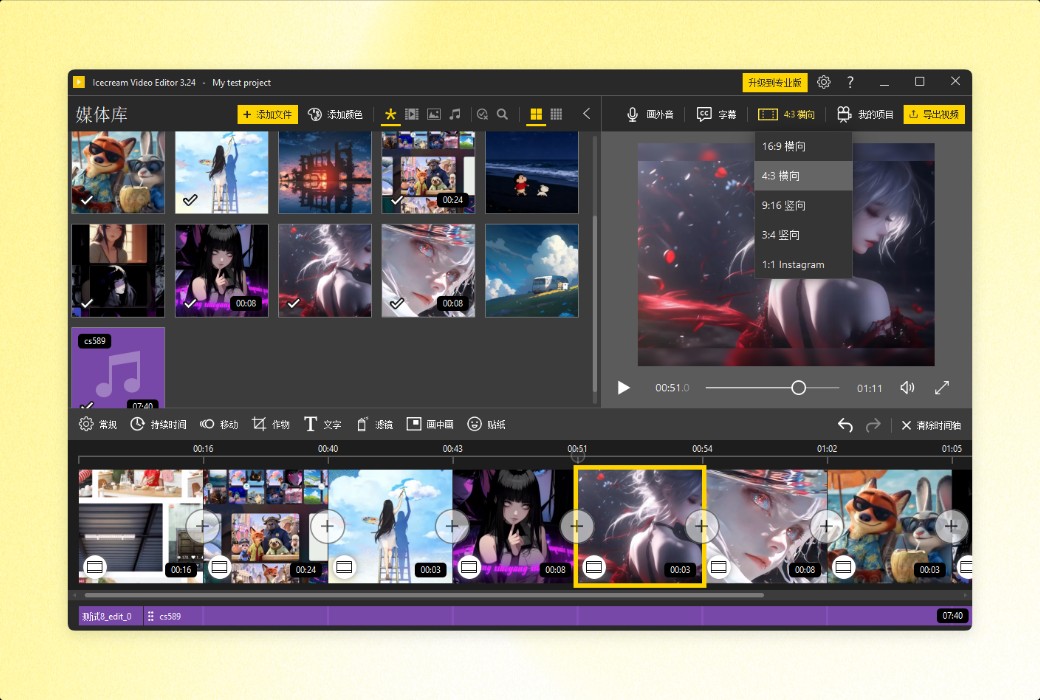
Icecream Video Editor allows even users with limited technical skills to easily edit videos, add dynamic effects, stickers, and special effects without the need to consult lengthy operation manuals. Through a user-friendly graphical user interface, videos, photos, and background audio can be combined on an intuitive timeline.


  1. supported formats

This video editor supports multiple popular video, image, and audio formats, including MP4, AVI, WEBM, MOV, JPG, PNG, GIF, MP3, WAV, and more.


  1. Quick sharing

Users can upload edited videos to the cloud, share project links with other users, and track the number of views.


  1. Cool transition effect

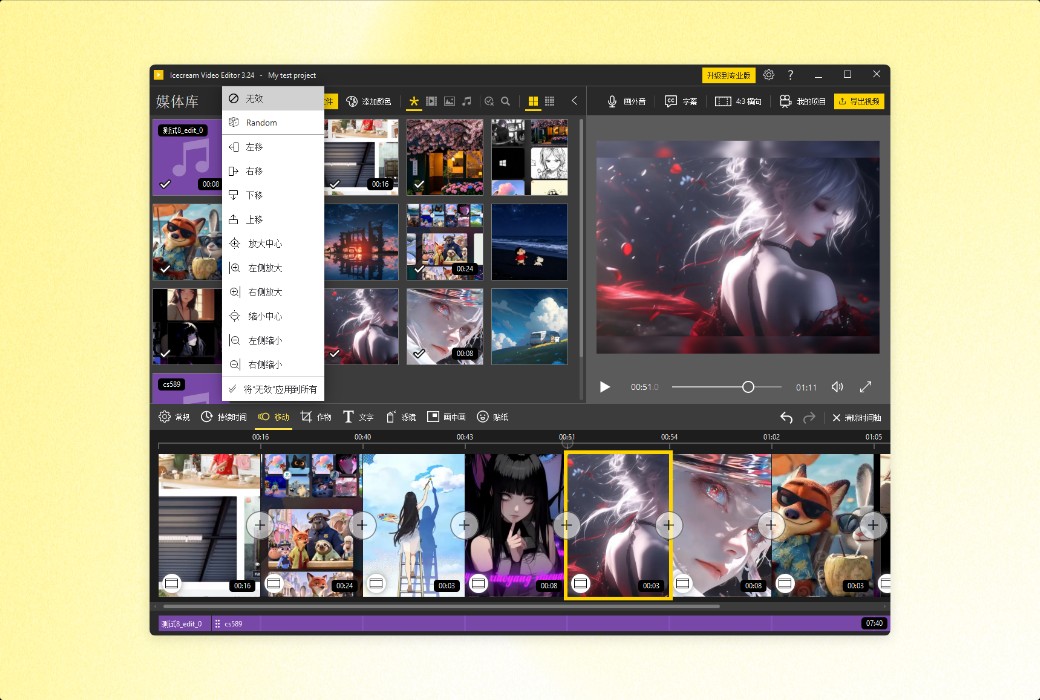
The video editor provides over 20 video transition effects and 10 photo dynamic effects. By using the 'Random' option, you can easily blend these effects with just one click.


  1. Windows Video Editor

The video editor supports mainstream versions of Windows, including the latest Windows 11, and of course, also supports Windows 10.


  1. Free download

The free version includes most of the video editing features you may need. In addition, it does not add watermarks to short videos.


Features


  1. Cut and segment videos

Adjust the length of the original video material using Icecream Apps' video editor. Split the video into multiple scenes with just one click, or use the 'Trim' mode to cut off the beginning and end of the video.


  1. Add audio to the video

Add background music to the video and customize it as needed: loop through audio, adjust volume, add special effects, fade in/out, automatically adjust music to fit the original audio, and more.


  1. Add text to the video

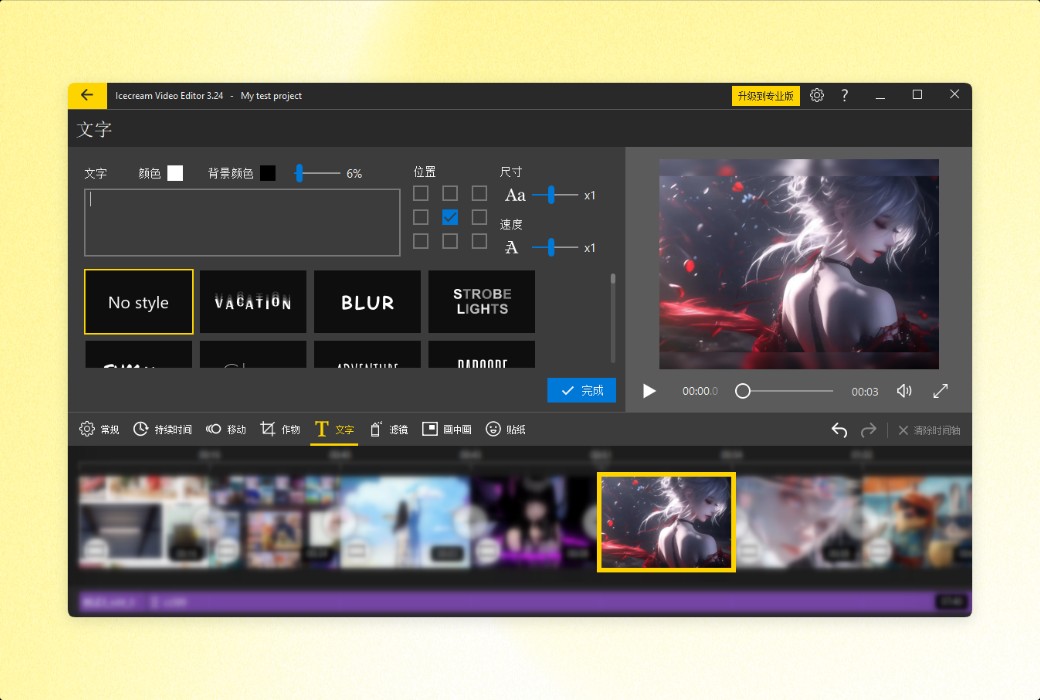
Quickly add text using preset styles. If you need more precise control over the effect, you can set the color, position, size, and movement speed.


  1. Adjust playback speed

With just a few simple steps, you can slow down or speed up the playback speed of the entire video or its parts. Icecream Video Editor offers playback speed options ranging from 0.25x to 10x.


  1. Adjust video size and crop

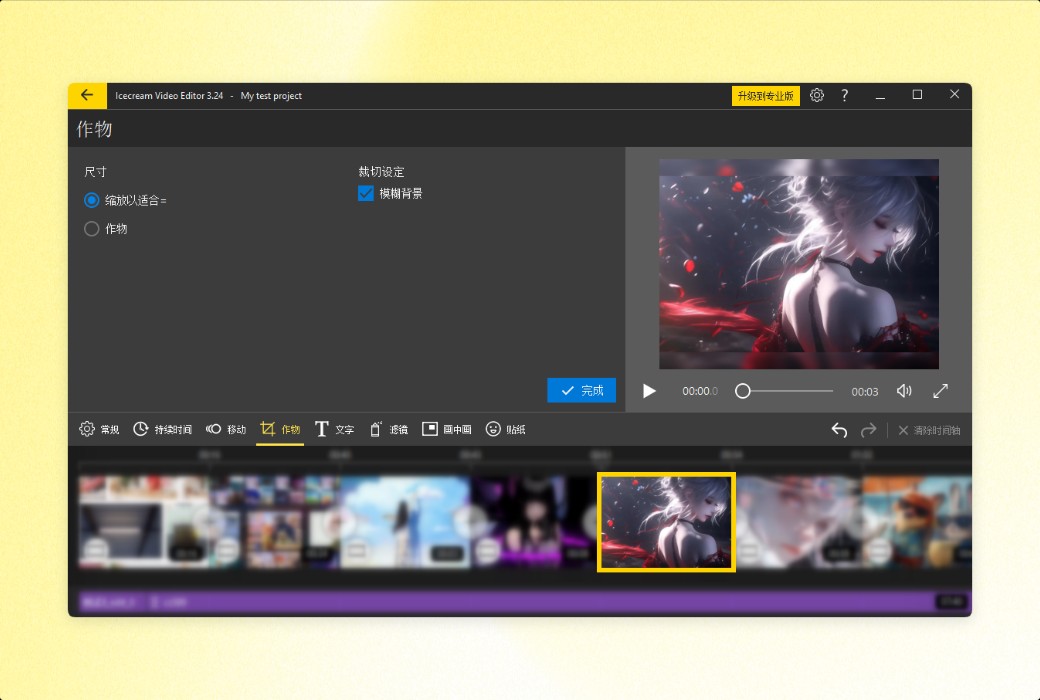
Crop unnecessary parts of the video and adjust the video size to better fit a specific aspect ratio. The blank area can blur the background and has an automatic zoom in function.


  1. Flip and Rotate Video

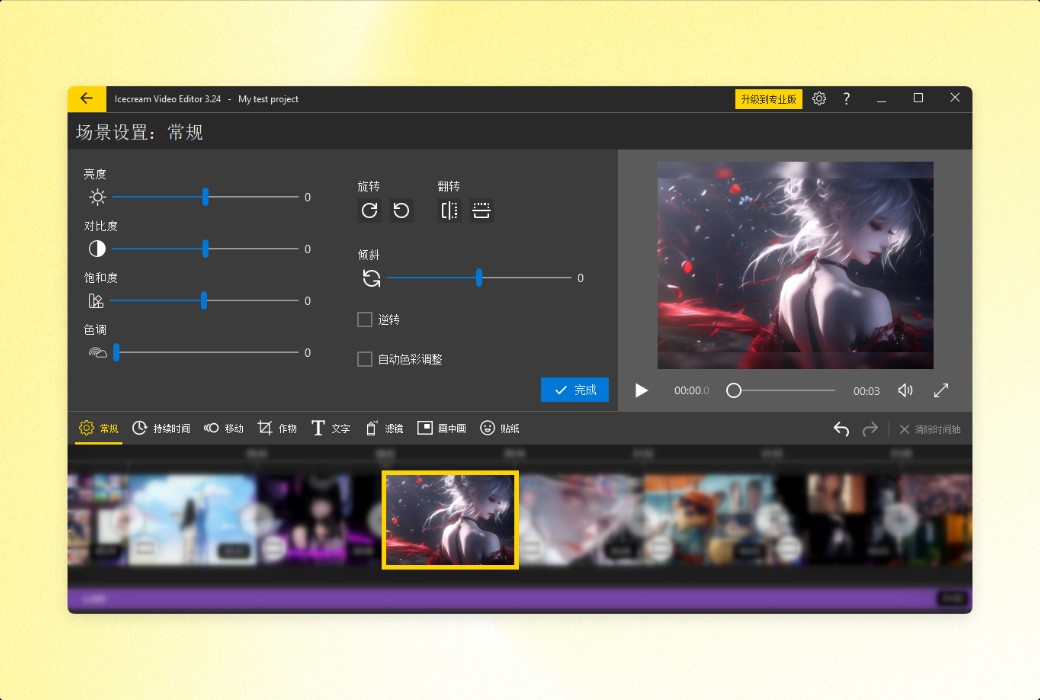
Rotate the video and flip the scene horizontally or vertically. Icecream Video Editor automatically rotates files vertically, saving you time.


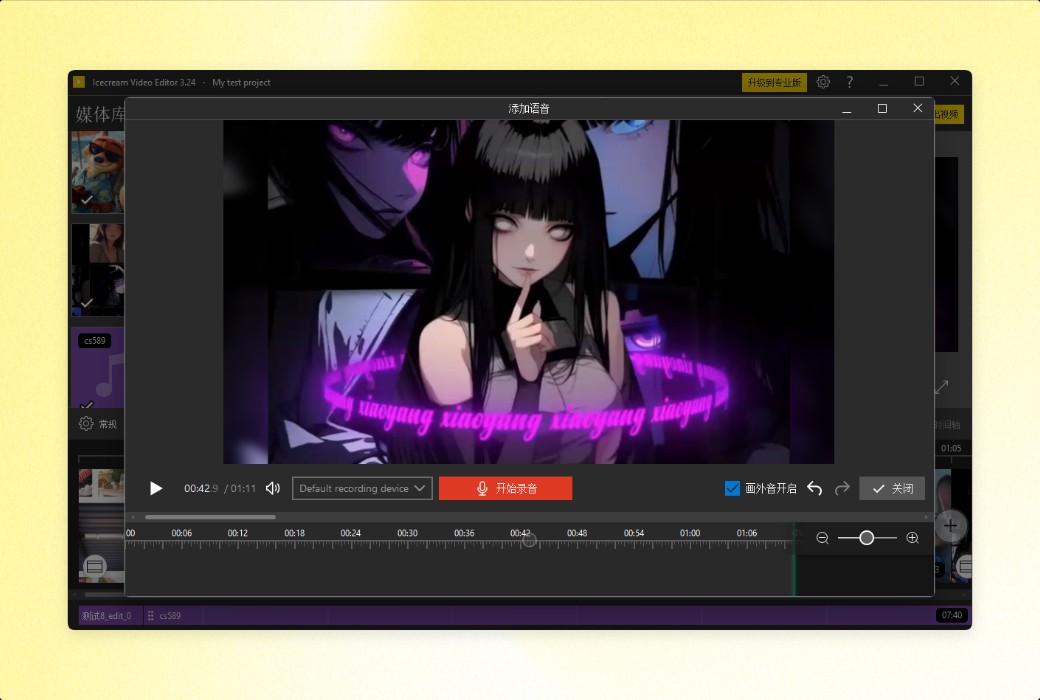
  1. Record narration

Use an intuitive player to add voiceovers to videos and photos. Crop the recorded voice to fit the timeline.


  1. Add subtitles

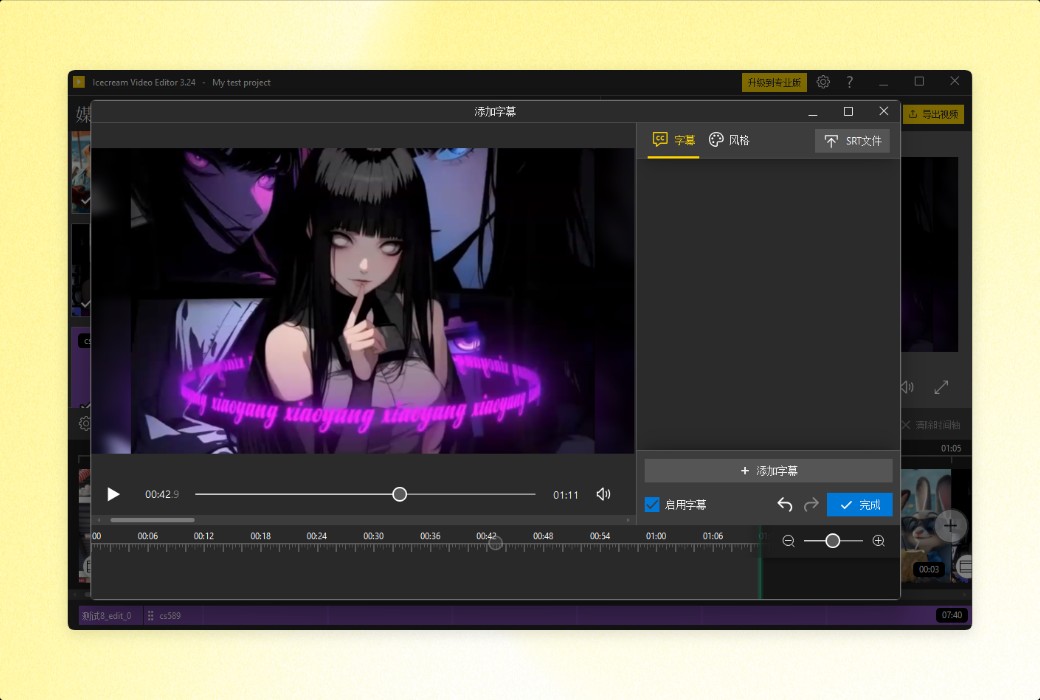
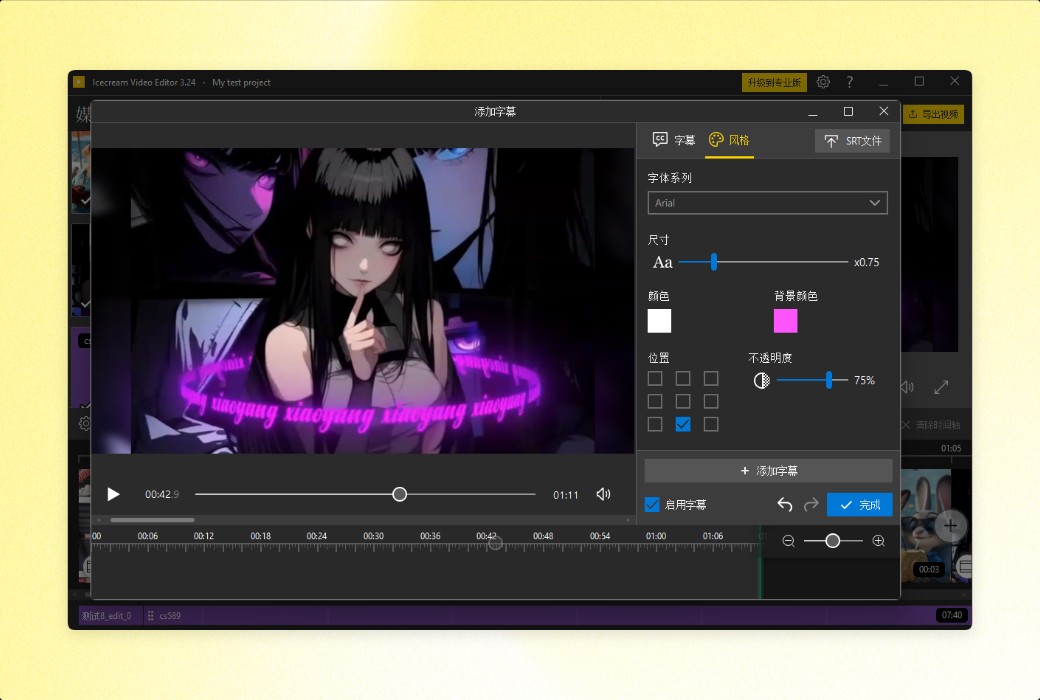
You can create video subtitles (in text object format) or import SRT files. Adjust color, size, transparency, font, and other style settings.


  1. Video conversion

You can not only edit videos, but also change their format. Icecream Video Editor can convert media to MP4 and WebM video formats, or export audio as MP3 files.


  1. Manage video projects

All video projects will be automatically saved to the 'Projects' section in case you need more time to complete them. Just close the project and you can continue later.


Icecream Video Editor is an all-in-one video editing tool software LOGO
Official Website: https://icecreamapps.com/Video-editor/

Download Center: https://video-editor.apsgo.cn

Delivery Time: processed manually online

Operating Platform: Windows

Interface Language: supports Chinese interface display, with multiple languages available.

Update Instructions: lifetime license never expires. After activation, you can continue to use the purchased software version indefinitely without any expiration date restrictions.

Trial Before Purchase: free trial available before purchase.

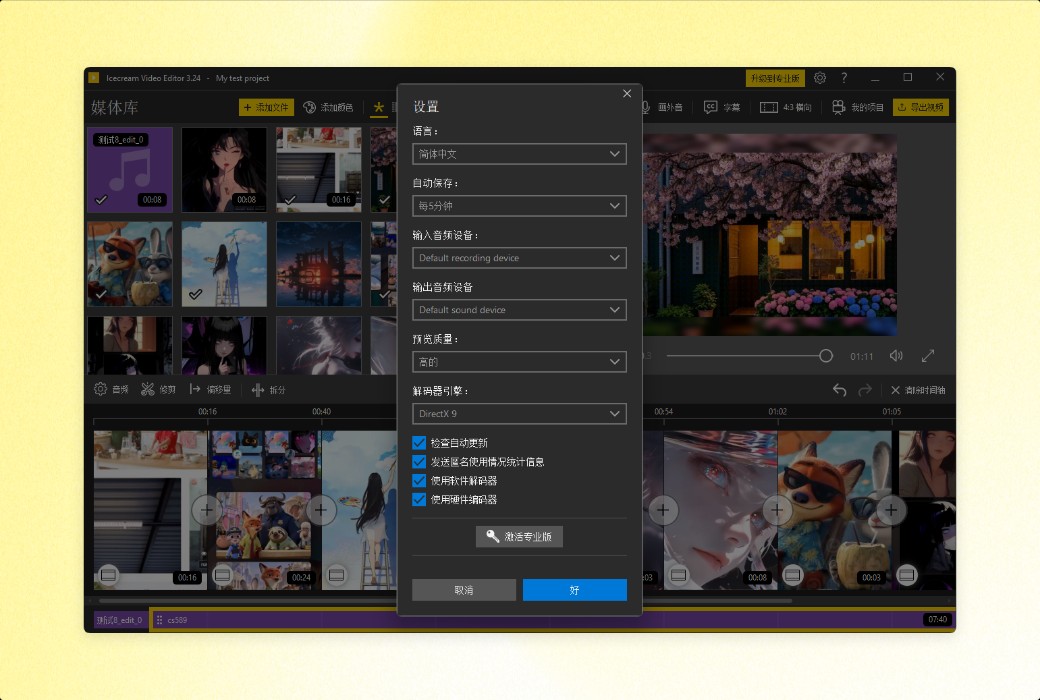
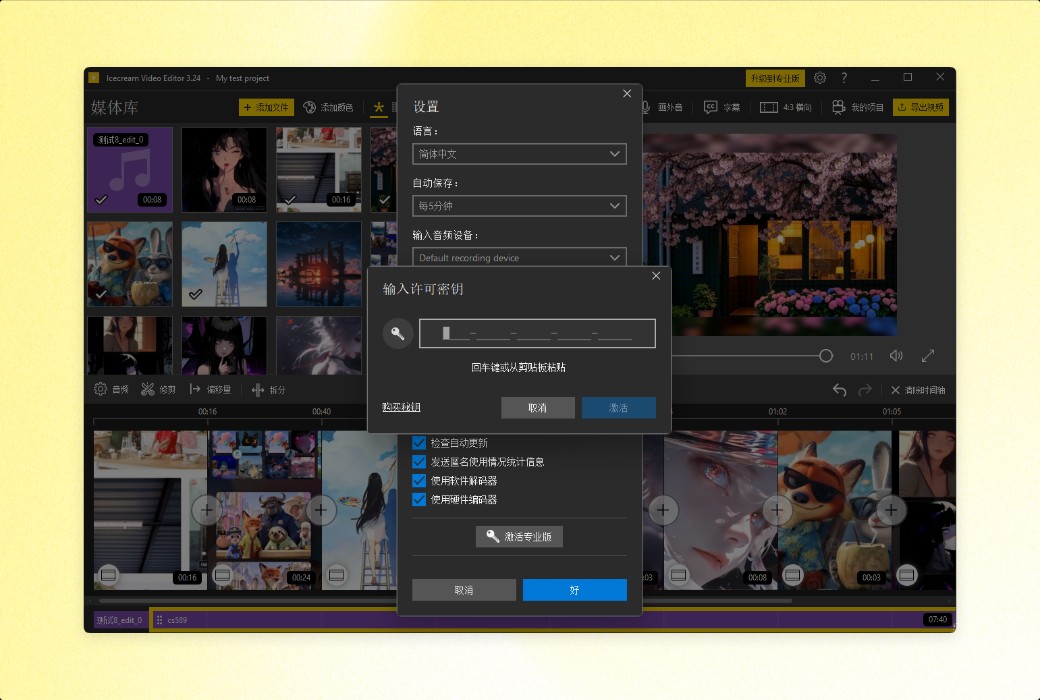
How to Receive the Product: after purchase, activation information will be sent to the email provided during the order process, and you can also view the corresponding product activation code in your personal center, under "My Orders".

Number of Devices: can be installed on 1 computer.

Changing Computers: manual transfer needs to be contacted with the official team.

Activation Guide: to be added.

Special Instructions: to be added.

References: https://icecreamapps.com/Video-editor/

Any question

Submit
Ask a question
All Default Newest